

How to Choose a Professional Logo from AI Options (Checklist)
Founders often question which website is best for logo design, but the real solution lies in an efficient evaluation system. Here's how to choose a professional logo quickly.
Quicklogo Team
How to Choose a Professional Logo from AI Options (Checklist)
As a founder staring at 25 AI-generated logos, you might feel the decision is now even harder than making them in the first place. Founders searching for the "best website for logo design" often miss a critical point: your real need is a solid selection system. In this guide, we’ll show you how to confidently choose a professional logo in under 30 minutes using a structured, founder-friendly approach: a repeatable checklist and scoring rubric. Instead of asking which website is best, consider what's best for you. By the end, you'll be only a few steps away from a logo you can proudly deploy across all your channels.
Why Asking for the Best Website is the Wrong Question
When you're a founder on the hunt for the best website for logo design, it’s easy to get lost in the sea of options. The reality is, this question is rarely straightforward because what's "best" highly depends on your specific needs. Factors such as budget, customization capabilities, and the level of human input you're looking for all play critical roles in determining the right logo design approach.
Understanding the Diverse Needs of Founders
Every startup has unique requirements. For some, it's crucial to create a standout logo that reflects their innovative edge without breaking the bank. Platforms like Quicklogo can be an excellent fit here, offering AI logo generation that creates multiple professional logo options quickly, all while allowing for simple customization. Contrary to picking one universally "best" platform, it's about finding the website that aligns with your specific project goals.
The Founder-Friendly Selection System
Instead of focusing on finding the elusive "best" platform, consider implementing a founder-friendly selection system. This system allows you to navigate multiple AI-generated options effectively and make an informed decision. Here's a proposed step-by-step evaluation workflow:
Generate a Set of Options: Use a platform like Quicklogo to generate numerous logo possibilities. This process is typically quick and can generate results in seconds.
Filter with a ‘Non-Negotiables’ Gate: Ensure each option meets your basic criteria before moving forward, such as scalability, legibility, and general aesthetic appeal.
Score with a Weighted Rubric: Assess remaining logos on factors like contrast, memorability, and relevance. This method helps standardize the decision-making process and focuses on quality features that are crucial for your brand's identity.
Sanity-Check Against Real Usage Scenarios: Test your top logo choices across various formats and backgrounds—consider how they look small as a favicon, in one color, or on both light and dark backgrounds.
Decide When to Stop Iterating: Know when a design is "good enough" for your current needs, or if it's time to bring in a human designer for more refined customization.
By following these steps, you transform what feels like a daunting choice into a manageable process, ensuring the logo you select represents your brand effectively. This method will give you the confidence to choose a logo that feels professionally crafted and ready for diverse channels, from web to print.
Preparing for Logo Selection: Defining Needs and Use Cases
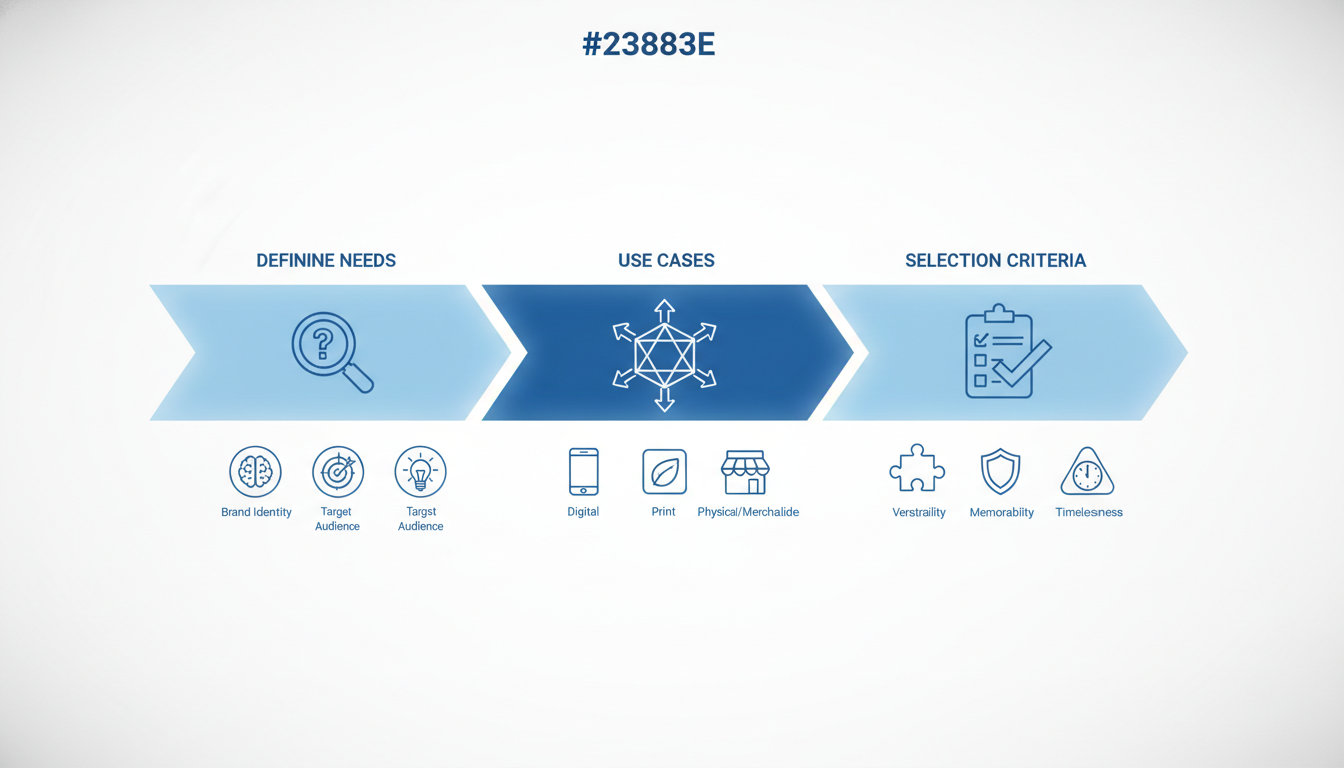
Before diving into the exciting world of logo design, it’s crucial to define what your logo needs to achieve. Understanding the core mission of your logo can vastly streamline the selection process. Why? Because a logo is more than just an image; it’s the visual cornerstone of your brand identity.
Start by pinpointing your non-negotiables. Is the logo primarily for digital use, print, or both? Consider your target platforms: social media, websites, business cards, or packaging. This clarity will guide you to a design that functions well across all mediums.
Let's break down some common use cases:
Digital Presence: Your logo will likely appear in various digital forms. Websites often require high-resolution logos, while social media might need adaptable versions that work as a profile picture. Ensure your logo maintains integrity at both large and tiny sizes by considering its scalability and legibility—key factors in the logo selection checklist.
Print Materials: Whether you're producing flyers, business cards, or banners, your logo should be versatile enough to maintain its essence in different formats. This means checking for resolution and the ability to remain clear and impactful when printed (avoiding pixelation is a must!).
Brand Recall: Does your logo have a memorable element? Running a quick memorability test, like the '5-second recall', can be enlightening. Show someone the logo briefly and ask them to describe it. This simple test can reveal whether the logo resonates and sticks.
Various Backgrounds: Your logo might need to work on light, dark, and colored backgrounds. This calls for testing its contrast to ensure it stands out clearly and doesn’t blend inappropriately with the surrounding environment.
To efficiently streamline this process, create a simple mapping of your logo’s potential placements and required attributes. By clearly defining these scenarios, you narrow the focus and feel more confident in your selection.
Now, with a well-outlined understanding of your logo’s required tasks, you can effectively navigate the logo selection checklist. Remember, the objective is a logo that seamlessly communicates your brand, adheres to practical use cases, and captivates your audience at first glance.
Generating Multiple Options with Quicklogo
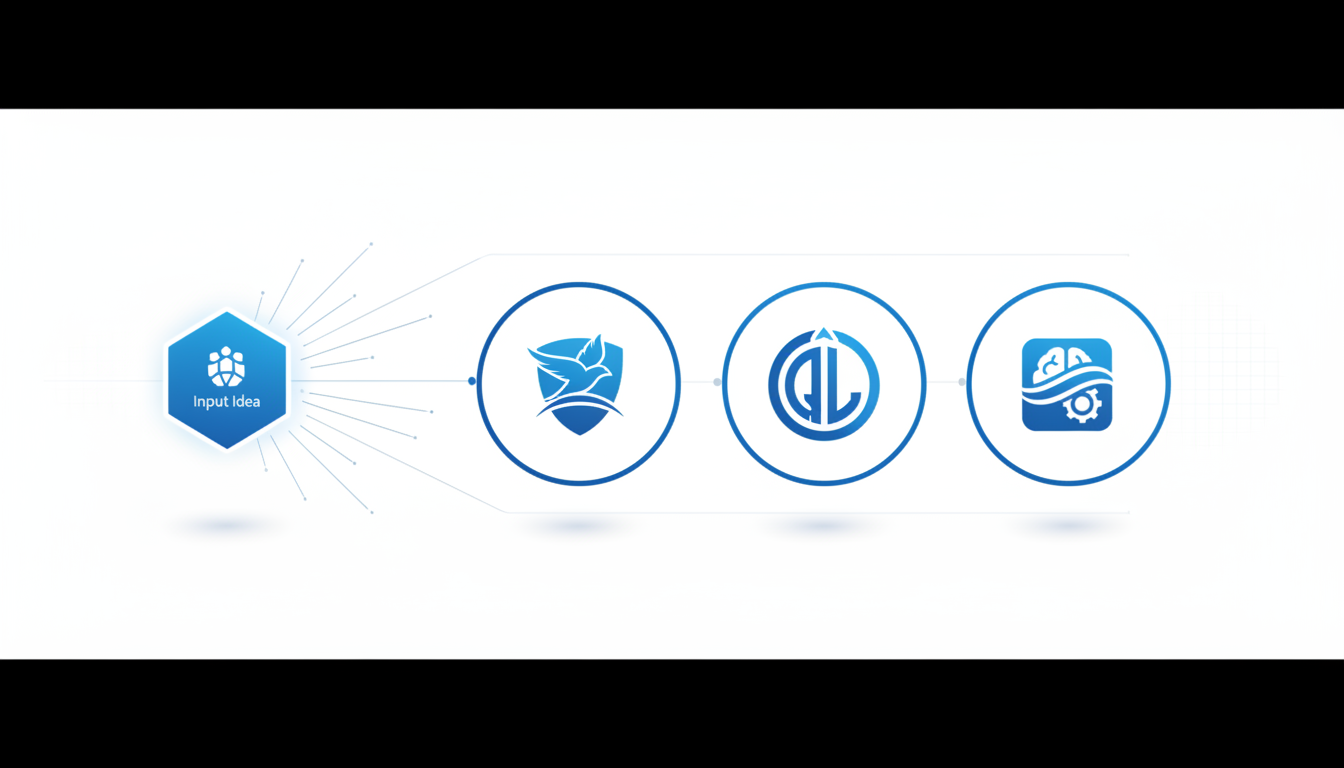
Imagine staring at a screen filled with 25 AI-generated logos, feeling both excited and overwhelmed. That's where Quicklogo shines, offering a powerful solution to streamline your decision-making. Quicklogo’s AI logo generator is designed to deliver multiple professional-quality logo options in seconds, turning potential decision paralysis into efficient, informed selection.
The beauty of Quicklogo lies in its ability to generate varied initial choices instantly. This is more than just saving time; it’s about enhancing creativity by presenting diverse logo styles and concepts that you might not have considered on your own. For a founder under pressure to launch a brand, this diversity is crucial. Quicklogo allows you to see different interpretations of your brand’s essence, helping you find the most fitting visual identity.
“Having multiple options at the onset empowers you to make a choice grounded in variety and relevance.”
Think about it: you need a logo that isn’t just good-looking but also adaptable across various platforms—be it a website, social media profile, or print materials. Quicklogo provides these options with speed and ease, accommodating urgent needs without compromising quality. Its workflow, optimized for fast iteration, means you can quickly refine and regenerate until the right design emerges. This efficiency is a game changer for startups working on tight timelines.
With Quicklogo, you're not just creating logos; you're crafting a brand identity that's ready to shine in all scenarios. The platform leverages advanced machine-learning models trained on thousands of professional logos, ensuring each option is tailored and unique.
For founders with limited time and no formal design background, Quicklogo becomes an indispensable tool. By reducing the guesswork and highlighting the best options efficiently, it transforms logo creation from a daunting task into a manageable, even enjoyable, part of launching your business.
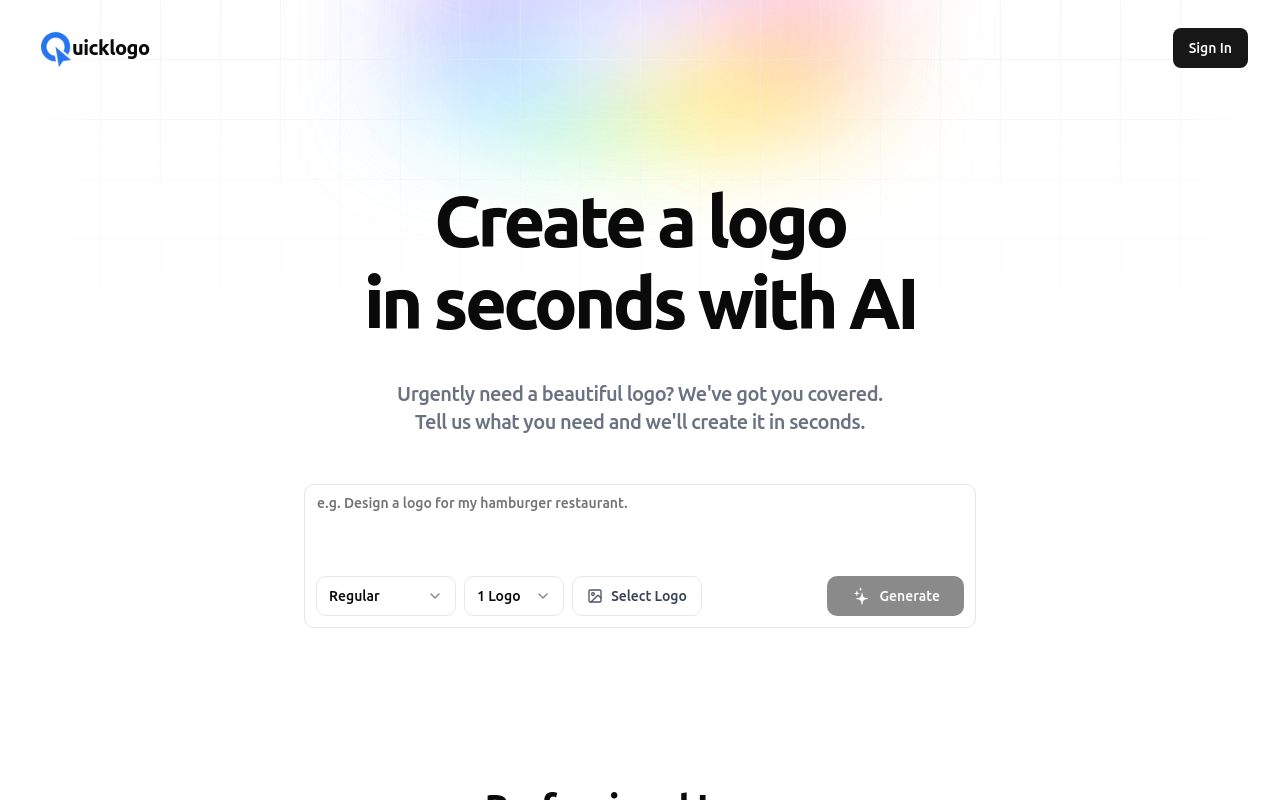
By integrating Quicklogo into your branding workflow, you have a reliable, speedy ally that turns AI-generated possibilities into tangible, deployable assets.
Applying a Two-Stage Evaluation System
Choosing the right logo from multiple AI-generated options can feel overwhelming, but breaking it down into a two-stage evaluation system simplifies the process. Let’s explore how this method works and how you can use it to pick a professional logo confidently.
The ‘Non-Negotiables’ Gate
The initial step is a straightforward filter: the ‘non-negotiables’ gate. This phase eliminates logos that don’t meet basic requirements, saving time and reducing indecision. Consider the following non-negotiables:
- Legibility: Can you read the logo clearly at both large and small sizes? Test this by using the 24px favicon test. If the logo becomes illegible, it’s an automatic pass.
- Scalability: A great logo should work across various mediums, from business cards to billboards. If the logo loses impact when scaled, it’s not the right choice.
- Contrast: The logo should be distinct and stand out against its background. Perform a grayscale test to ensure sufficient contrast.
- Relevance: Does the logo reflect your brand’s core values and message? Ensure it aligns with your brand identity.
Here’s a quick checklist for the non-negotiables:
- Legible at multiple sizes
- Scalable without losing quality
- Adequate contrast on different backgrounds
- Relevant to brand message
Logos failing any of these checks are set aside, refining the pool to viable contenders.
Introducing the Weighted Scoring Rubric
Once the initial filtering is done, move on to the weighted scoring rubric for a deeper evaluation. This involves scoring each logo based on key criteria and then choosing the one with the highest overall score. Here are the criteria with suggested weights:
| Criteria | Weight | Description |
|---|---|---|
| Legibility | 30% | Clear and readable at all sizes |
| Scalability | 25% | Retains quality when resized |
| Contrast | 15% | Distinct against all background types |
| Memorability | 20% | Stands out and is easy to recall |
| Relevance | 10% | Aligns with brand identity and values |
Evaluate each logo, assigning scores out of 10 for each criterion, then calculate the weighted total. For example, if a logo scores 8 on legibility, the contribution to the total score is (8 \times 0.30 = 2.4).
Key Insight: No single criterion should dominate your choice; balance is crucial and ensures the logo excels in all important areas.
After using this rigorous system, compare the scores. The logo with the highest score likely meets your needs across all essential fronts. If scores are close, consider real-world usage scenarios as tie-breakers: think about how the logo looks in various applications, like business cards versus websites.
This two-stage system not only simplifies decision-making but also provides a structured framework to objectively select a logo that enhances your brand identity.
Real-World Simulation Tests
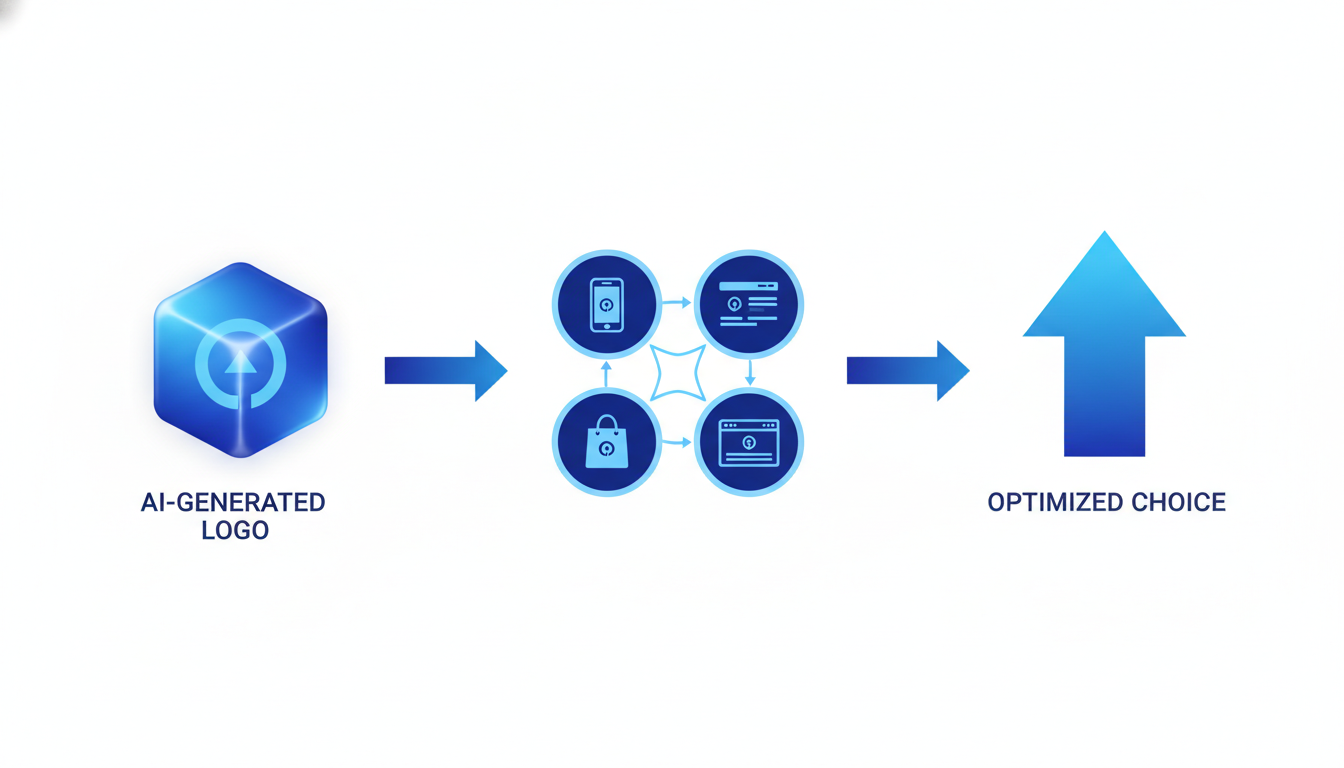
Imagine picking your logo, only to find it’s unreadable on a website favicon or lost against a dark theme. This is where real-world simulation tests come into play. These tests help you ensure your logo’s usability across various platforms and sizes before you commit. Here’s how you can run these simulations efficiently.
24px Favicon Test
Key Insight: If a logo fails at 24px, it’s not versatile enough.
Start by scaling down your logo to 24px and see if it remains legible. This size is typically used for favicons—the tiny icons you see on browser tabs. If your logo loses detail or clarity, consider simplifying the design or opting for a more distinctive iconography. Quicklogo makes it easy to test different versions quickly, letting you iterate until you get a clear, recognizable mark.
Dark-Mode Test
Key Insight: Ensure visibility in both light and dark backgrounds.
With many apps and websites offering dark-mode options, it’s crucial to test your logo against a dark background. Load your logo on a black or dark gray screen to see if it stands out. Poor contrast can render your logo invisible. Adjusting colors or adding outlines can often solve this issue. Again, Quicklogo allows you to fine-tune aspects like contrast with ease, making these tests straightforward and time-efficient.
Grayscale and One-Color Test
Key Insight: Your logo should be impactful even in monochrome.
Strip your logo of its colors and test it in grayscale or as a single color. This scenario is important for print materials that might not reproduce colors accurately, like newspapers. The goal is to see if the logo still carries your brand’s essence and remains memorable without color cues. Simplified forms and high contrast ratios are key here.
Memorability Test
Key Insight: People should recognize your logo in seconds.
Perform a ‘5-second recall’ test by showing your logo to someone for five seconds, then ask them to describe it. This tests how memorable and distinct your logo is. If feedback indicates it's forgettable, it might need more unique elements or a clearer focus.
By running these tests with Quicklogo, you’ll identify potential pitfalls before your logo is locked in. With fast adjustments possible through AI-powered suggestions, your design can remain flexible and ready for any challenge. Embrace these real-world tests to ensure your logo truly represents your brand across all channels.
Decision-Making Rules: Iterate, Stop or Hire?
When you're faced with multiple AI-generated logos and the decision feels daunting, knowing when to keep iterating, when to stop, or when to hire a designer can make all the difference. Let’s dive into these decision-making rules with some practical guidelines.
When to Iterate on a Logo
Key Insight: Keep refining when your logo doesn't fully meet your non-negotiables or fails real-world tests.
- Non-Negotiables Check: Does the logo clearly convey your brand's message? Check for essential elements like contrast, legibility, and relevance.
- Feedback Loops: Test your logo in practical settings. For instance, does it hold up as a favicon or in grayscale? If not, slight adjustments might be needed. Quicklogo makes iteration easy with its built-in customization options, so you can tweak elements until it’s just right.
- Current Trends: If your logo feels outdated, capitalize on trends like minimalism or AI integration, which Quicklogo supports through its dynamic AI-generated options.
When to Stop Iterating
Key Insight: Know when your logo meets all practical and aesthetic criteria.
- Rubric Scoring: If your logo scores highly on scalability, memorability, and contrast, it's time to consider it ready. Look for consistency across different platforms — does it look good on social media, websites, and print?
- Decision Paralysis: Avoid overthinking. If your logo effectively represents your brand identity and passes the essential tests, it's wise to finalize and deploy it. Quicklogo provides streamlined exports in multiple formats, making this step straightforward.
When to Hire a Professional Designer
Key Insight: Bring in a human touch when high-level customization or unique branding elements are required.
- Complex Requirements: If your brand needs intricate design elements or heavily relies on narrative-driven visuals, a human designer may be necessary. Some use cases, like expansive brand overhauls, exceed what AI tools can offer.
Takeaway: AI like Quicklogo empowers you with professional options but knowing when to iterate, finalize, or seek expert help ensures your brand truly shines.
Choosing the Best Platform for Your Logo Needs
When it comes to selecting the best platform for your logo design, founders often get stuck asking, "What is the best website for logo design?" However, the real question should be: Which platform fits your specific needs—be it budget, customization, speed, or human touch? Here's a founder-friendly guide to make that decision easier, complete with a unique comparison between AI generators, crowdsourcing, and subscription services.
AI Logo Generators
Insight: Best for fast, budget-friendly options without compromising professional quality.
AI logo generators like Quicklogo provide an excellent starting point for those on a limited budget needing rapid results. Quicklogo generates multiple logo options quickly based on your simple business description, offering customization later if needed. Check their website for current pricing.
Advantages:
- Quick and affordable, with a fast turnaround.
- Multiple concepts from a single prompt.
- Easy to iterate and finalize within minutes.
Crowdsourcing Platforms
Insight: Excellent for variety and creativity from a wide pool of designers.
Platforms like 99designs and Designhill thrive on crowdsourcing, tapping into a vast community of designers to offer diverse perspectives. Designhill, the top creative marketplace, has over 330,904 designers. Meanwhile, 99designs has completed over 1 million projects since 2008.
Advantages:
- Access to thousands of designers for diverse options.
- Greater potential for unique, creative designs.
- Generally more control over the design direction through feedback loops.
Subscription Services
Insight: Suitable for ongoing design needs with consistent, quality output.
Subscription-based services like Penji and Design Pickle provide unlimited design work for a flat monthly fee. This model works well if you need a steady stream of creative assets, including logos.
Advantages:
- Useful for ongoing, varied design needs beyond just logos.
- Reliable and consistent quality.
- Flat rate offers predictability in budgeting.
Platform Comparison Table
| Feature/Platform | AI Generators (e.g., Quicklogo) | Crowdsourcing (e.g., 99designs) | Subscription (e.g., Penji) |
|---|---|---|---|
| Cost | Check website | Varies per project | Monthly fee |
| Speed | Instant to a few minutes | Days to weeks | Few hours to days |
| Customization | High—post-generation | Mid—via feedback | High—ongoing access |
| Creativity | Moderate | High | High, but consistent style |
| Control | High—direct input + AI | High—through designer feedback | High—through requests |
Key Takeaway: "No single website is universally the best for logo design; top choices depend on user needs like budget and customization." — Markzware.com
Across these options, Quicklogo stands out for those needing a professional logo without delay. By quickly generating multiple options tailored to your needs, it allows startups to focus on launching rather than deliberating—making it an essential tool for founders in a rush.
Want to get started quickly? Check out how Quicklogo handles everything from generation to export with ease. For more inspiration and product interfaces, you can compare the platforms using the below screenshots to decide which best aligns with your objectives.
Finalization: Customizing and Deploying Your Chosen Logo
Once you've selected the perfect logo, it's time to make it truly yours. Begin by customizing the final logo to align with your brand specifications. Consider factors like color, typography, and style to ensure the logo reflects your brand's identity. Quicklogo excels in this area, allowing you to easily adjust these elements to perfect your visual identity.
Exporting and Storing Your Logo is the next crucial step. Ensure your logo is available in multiple file formats to suit different needs:
Vector format (SVG/AI): Necessary for scalability. This ensures your logo looks sharp on everything from business cards to billboards.
PNG: Ideal for web use due to its transparency capabilities.
JPEG: Useful for non-transparent backgrounds in digital media.
Quicklogo supports these formats, enabling easy export and storage for versatile use.
Consistency in deployment across channels is vital. Make sure your logo is used consistently on all platforms to build a cohesive brand image. This includes your website, social media profiles, marketing materials, and print media. Adapt your logo for different contexts:
Website and Apps: Use vector files for crisp, scalable images that adapt to various screen sizes.
Social Media: Ensure your logo fits in profile picture dimensions and maintains clarity even at smaller sizes.
Print Materials: Leverage high-resolution formats to maintain image quality in print.
Implement these steps confidently, knowing Quicklogo has equipped you with the tools needed for efficient customization and deployment. Your brand's visual identity will be cohesive no matter where it appears, showcasing your professionalism and attention to detail.
Deploying your logo effectively ensures your brand message remains strong and consistent across every touchpoint. Leverage Quicklogo’s capabilities to navigate this process seamlessly, enhancing your brand presence with a polished and adaptable logo.
Frequently Asked Questions
What makes a logo scalable?
A scalable logo maintains clarity and legibility at any size, making it versatile for different formats.
How do I test a logo's legibility?
Conduct real-world tests such as viewing the logo in small sizes and various backgrounds to ensure clarity.
Why should I consider AI logo generators?
AI generators offer quick, cost-effective solutions with multiple design ideas, ideal for startups and small businesses.
When is it best to hire a professional designer?
If the logo must deeply reflect the brand's story or requires significant customization, hiring a designer is beneficial.
What roles do color and contrast play in logo design?
Colors and contrast impact visual appeal and brand recognition; thus, they are crucial in conveying the right message.
Final Thoughts
Selecting a professional logo isn't just about choosing what looks good; it’s about a methodical evaluation to ensure your logo perfectly embodies your brand's identity. Here's a quick recap:
- Non-Negotiables Gate: Ensure the logo aligns with fundamental brand values and technical requirements.
- Use a Rubric: Apply specific criteria to objectively assess design options.
- Real-World Tests: See how the logo performs in various contexts, like digital and print.
As a next step, generate multiple logo options, narrow them down to three, score them based on your rubric, and select one for customization and export.
Explore Quicklogo to quickly generate and compare logo options tailored to your brand. Check out our related Quicklogo tutorials for more insights on perfecting your logo choice.
Back to all posts