

How to Generate a Logo Online with Quicklogo (Step-by-Step Guide)
Discover how to create a professional logo quickly using Quicklogo's AI-driven platform. Learn to write effective descriptions, generate multiple options, and transform them into practical brand assets.
Quicklogo Team
How to Generate a Logo Online with Quicklogo (Step-by-Step Guide)
In today's fast-paced digital world, having a distinctive logo is essential for any business, and Quicklogo makes this achievable in mere minutes. If you're an entrepreneur, a solopreneur, or running an SMB, and your primary need is to generate a logo online swiftly and efficiently, this guide is your roadmap. Leveraging AI technology, the logo design process has transformed, with AI adoption in design increasing, and Quicklogo generates logos quickly. By the end of this post, you’ll learn how to craft an impactful business description for stronger logo outputs, rapidly generate options with Quicklogo, and confidently choose and customize the perfect direction for your brand. Let's dive in and turn your vision into a reality today.
What You’ll Generate (and How Fast)
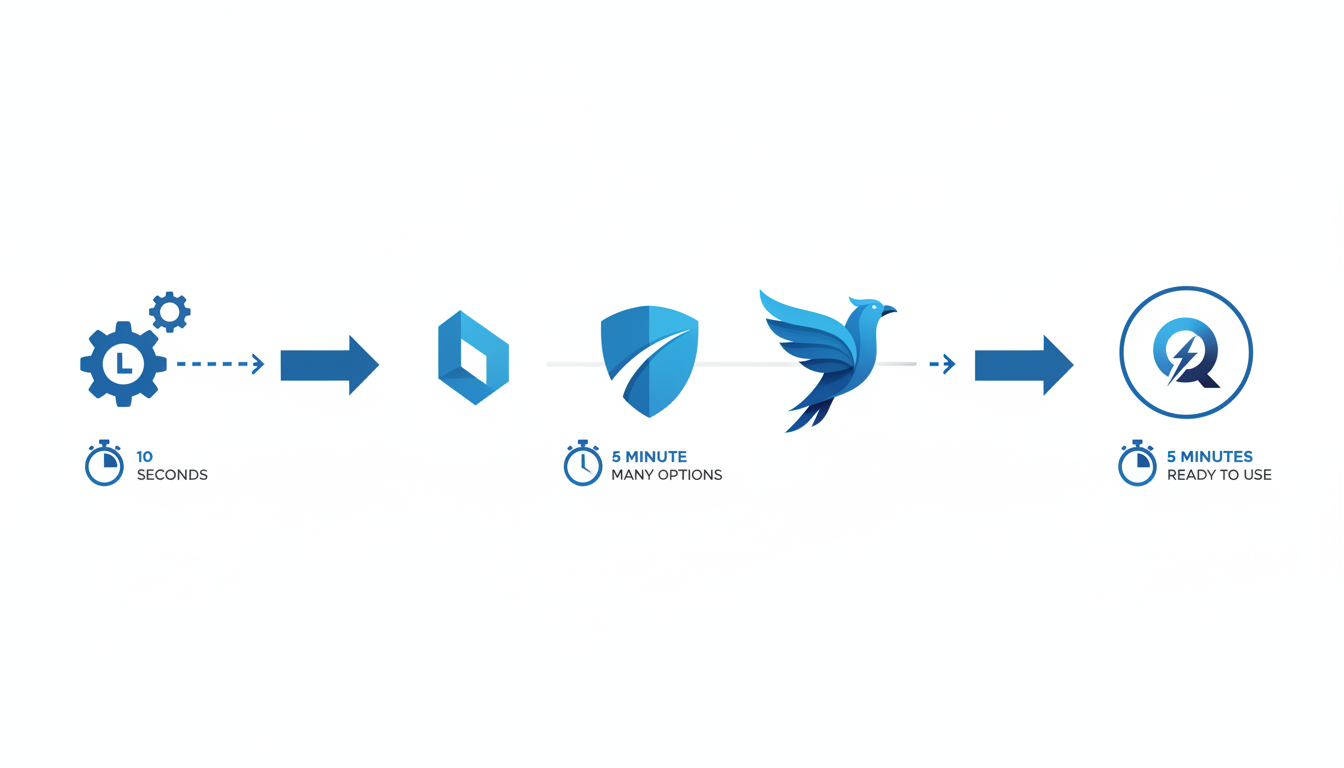
With Quicklogo, you're stepping into a world where generating professional logos is not only fast but also intuitive and adaptable to your business needs. Imagine being able to create a logo in seconds with AI-driven technology designed for efficiency and precision. This is particularly advantageous as AI adoption in design is increasing. Such advancements improve efficiency in logo generation, making rapid logo creation an essential part of modern branding strategies.
Quicklogo leverages cutting-edge machine learning models that are trained on thousands of professional logos, ensuring that the options you generate are not just placeholders but viable branding assets ready for immediate use. This tool targets those who have urgent needs—be it launching a new website, revamping your social media presence, or preparing for a big pitch deck.
Here's how it works: simply input a short business description into Quicklogo. This directs the AI to understand your brand’s essence and generate multiple logo options in just seconds, tailored to reflect your industry and brand identity. This makes Quicklogo an ideal solution for founders, SMB owners, and marketers needing a quick yet professional branding solution.
The process feels seamless and empowers you to choose from various designs swiftly. Once you pick a direction, you can customize it further to ensure it aligns perfectly with your brand’s personality. With options to download multiple file formats, your logo is ready to deploy across websites, social media, and print channels immediately.
For those needing a fast and effective solution, Quicklogo is designed to keep up with your speed and style without sacrificing quality.
Step 1: Prepare Your Inputs (Name, Industry, Vibe)
Creating a logo with Quicklogo starts with crafting a powerful business description. Your inputs — including the business name, industry, and overall vibe — set the foundation for generating impactful logo options. Let’s break down how to nail each element.
First, ensure your business name is clear and concise. This is the core identity represented in your logo, so input the exact name as you want it to appear. Double-check spelling and capitalization to maintain professionalism.
Next, specify your industry. This helps Quicklogo tailor the design to your field, ensuring relevance and appeal to your target audience. For example, if you’re in tech, mentioning keywords like "technology" or "software" can guide the AI toward sleek, modern designs, while "cafe" or "bakery" might prompt warmer, more inviting styles.
Finally, capture your business's vibe — the emotional and aesthetic tone you want your brand to convey. Are you aiming for something innovative, trustworthy, or fun? Using descriptive terms like "elegant," "eco-friendly," or "vibrant" can lead the AI to generate logos that align with your brand essence. Here’s a simple formula to help: “Our business, [Name], in the [Industry] field, presents a [Vibe] image.”
Common input mistakes include providing vague industry terms or failing to specify a clear vibe. Avoid these pitfalls by taking a moment to define what makes your business unique. A solid description not only provides direction but also enhances the AI’s ability to generate options that genuinely resonate with your brand identity.
Step 2: Write a Business Description That Produces Better Logos
Creating a clear and compelling business description is pivotal when using Quicklogo to generate a logo online. This foundation impacts the quality of logo options you receive, directly linking your input to the creative output.
Crafting Effective Business Descriptions
The first step is understanding your business's core traits and how they translate visually. A well-thought-out description incorporates these elements:
Industry and Purpose: Start by stating your business domain and overall mission. For example, "We are a biodegradable packaging company aiming to reduce environmental waste."
Target Audience: Consider who your logo should resonate with. Are you appealing to eco-conscious consumers, tech enthusiasts, or luxury clients?
Brand Personality: Describe the tone and personality of your brand. Are you innovative and bold, or traditional and reliable?
By weaving these elements together, your business description becomes a powerful tool that guides Quicklogo’s AI, ensuring it aligns with your vision.
The Fill-in-the-Blank Formula
To streamline the process, use this simple formula for your description:
"We are a [industry] company specializing in [unique value or offering], targeting [audience]. Our brand is perceived as [three keywords for traits or emotions]."
For instance:
"We are a biodegradable packaging company specializing in zero-waste products, targeting eco-friendly consumers. Our brand is perceived as innovative, sustainable, and reliable."
Impact on Logo Outcomes
A concise and descriptive prompt drives better alignment with your intended direction:
Clarity: Provides a clear vision for the AI to understand your business essence.
Distinctiveness: Helps generate logos that reflect unique brand attributes.
Scalability: Supports the creation of logos effective across varied formats.
The presence of AI tools in the market emphasizes the importance of mastering input techniques. A detailed description doesn’t just guide the AI—it speeds up your decision-making by presenting well-aligned options, making it easier for you to choose a logo that truly represents your brand.
By following these guidelines, you'll leverage Quicklogo effectively, ensuring you produce logos that aren’t just visually appealing but also strategically aligned with your brand’s identity.
Step 3: Generate Logo Options in Quicklogo
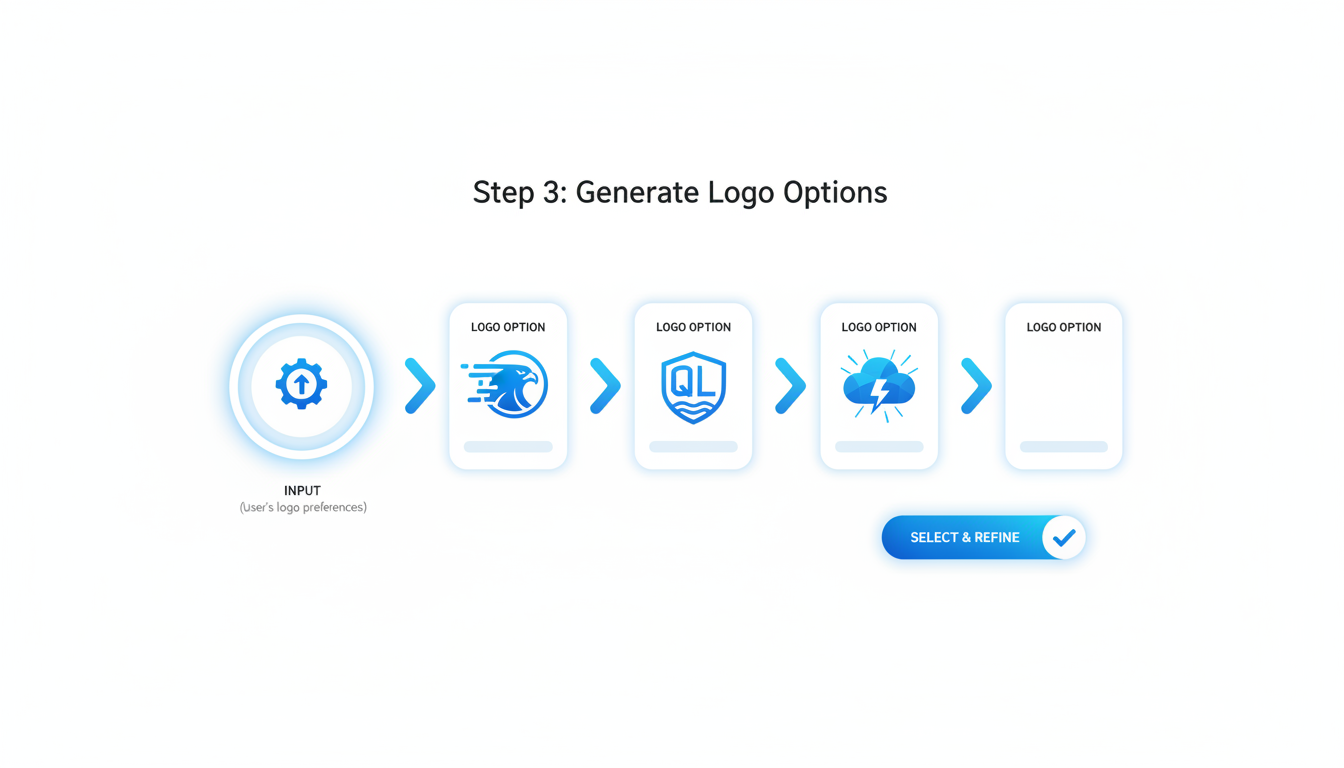
Diving into the design phase with Quicklogo is both exciting and efficient. This AI-driven platform makes it possible to create a logo online quickly by generating multiple options that suit your business vision.
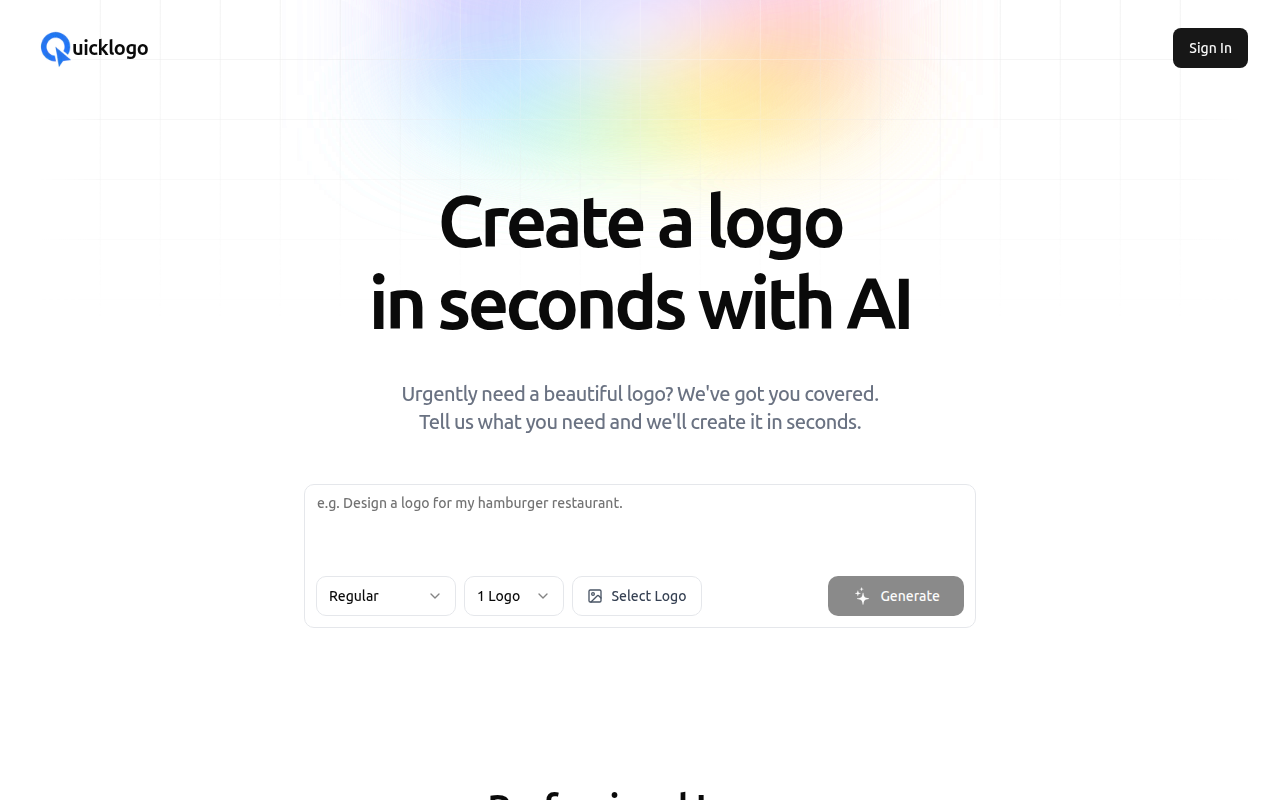
To start, navigate to Quicklogo’s sleek interface, which is designed for speed and simplicity. You’ll see the option to input your business description—this is where your prior work pays off. Once you've entered the specifics of your company’s name, industry, and vibe, you're ready to hit the "Generate" button. Quicklogo’s robust AI immediately gets to work, producing several designs that incorporate your input details.
The advantage here is twofold. First, the AI’s capability to rapidly iterate designs dramatically cuts down the time you’d typically spend brainstorming with traditional methods. This real-time feedback loop empowers you to explore diverse visual directions in a fraction of the time.
After a few moments, you’ll be presented with a gallery of logo options. Each design variation will reflect different stylistic elements—like typographic flair or iconography—providing a range of creative avenues.
Now, use Quicklogo’s simple tools to browse these choices. Is there a particular design that jumps out due to its clarity or brand fit? The aim is to find options that not only look appealing but also convey your business's identity powerfully. This exploration phase sets the stage for making a confident decision backed by the AI's proficiency in creating visually compelling logos.
Embrace the power of AI with Quicklogo, and in minutes, you’ll have several professional options at your fingertips. Ready to create and elevate your brand identity? Let's transform inspiration into reality with just a few clicks.
Step 4: Review Results Like a Designer (Without Being One)
When you're faced with multiple logo options generated by Quicklogo, the next step is to review them with a designer's eye—but without needing a design degree. Here’s how you can efficiently evaluate your logo options using a simple framework focused on clarity, distinctiveness, scalability, and brand fit.
Evaluate Using the C.D.S.B. Framework
Clarity: At a glance, is the logo easy to understand without any confusion? Logos should be straightforward and convey the essence of your brand without unnecessary complexity. A clear logo often includes concise imagery or simple, readable typography.
Distinctiveness: Does your logo stand out from competitors? A distinctive logo has unique features or color schemes that make it memorable. Consider whether your options have original elements that could make your brand easily recognizable.
Scalability: Will this logo work well regardless of size? Your logo should maintain its impact when scaled down for a business card or blown up on a billboard. Test scalability by imagining how the logo would look in various sizes and formats.
Brand Fit: Does the logo align with your business’s values and target audience? A logo should reflect your brand’s personality. For instance, a playful and vibrant design may suit a children's clothing store, while a sleek, minimal look fits a tech startup.
Pro Tip: "Many organizations find that applying a structured framework to logo evaluation results in quicker, more confident decisions."
Here's a quick comparison table to use while assessing your Quicklogo options:
| Criteria | Description | Questions to Ask |
|---|---|---|
| Clarity | Simplicity and ease of understanding at first glance | Is the logo easy to understand? Does it clearly communicate the brand's message? |
| Distinctiveness | Unique elements that differentiate it from competitors | What makes this logo stand out? Is it memorable? |
| Scalability | Effectiveness across various sizes and formats | How well does the logo resize? Does it remain effective when scaled? |
| Brand Fit | Alignment with brand values, personality, and target audience | Does this logo visually represent your brand? How does it resonate with your audience? |
Tips for Non-Designers
- Rely on First Reactions: Your initial gut feeling about a logo can be insightful. If something doesn’t feel right, it's often worth considering why.
- Seek Feedback: Don’t hesitate to share your top picks with trusted colleagues or friends. External perspectives can provide valuable insights.
- Keep Your Brand in Mind: Always circle back to your brand story and objectives. The right logo will be one that not only looks good but also furthers your brand narrative.
By following this evaluation framework, you'll be better equipped to choose a logo direction confidently, ensuring that it serves as a strong visual pillar for your small business branding efforts.
Step 5: Shortlist 2–3 Directions
Narrowing down your logo options is a crucial step to ensure you’re aligning with your brand identity effectively. Here’s how you can efficiently shortlist your top choices using Quicklogo.
Start with a Simple Scoring System: Begin by evaluating each logo based on clarity, distinctiveness, scalability, and brand fit. Assign scores from 1 to 5 for each criterion.
- Clarity: Check if the logo is easy to understand at a glance. A clear design ensures that your audience immediately grasps your brand’s essence.
- Distinctiveness: Ensure the logo stands out and is memorable. It should differentiate your brand from competitors.
- Scalability: Consider how well the design maintains its impact in various sizes and formats, from business cards to billboards.
- Brand Fit: Assess whether the logo aligns with your brand’s values and appeals to your target audience.
Avoid Common Pitfalls: One common mistake is overanalyzing or overthinking. Remember, perfection isn’t the goal—finding a direction that best matches your vision is. Another pitfall is relying solely on personal taste without considering audience perspective. Balance your preference with what will resonate with your market.
Rapid Fire Shortlisting Tips:
- Gut Reaction: Quickly shortlist logos based on your immediate gut reaction after initial scoring.
- Feedback Loop: If possible, get quick feedback from a colleague or partner to gain additional perspectives.
- Limit Revisions: Resist the temptation to combine elements from different logos excessively; this can lead to a disjointed design.
By systematically scoring each option, you can confidently focus on 2–3 top directions that effectively communicate your brand’s message. For more guidance on refining your selections and aligning them with your branding strategy, check out our detailed AI logo generator guide.
Step 6: Customize Your Chosen Direction (and What to Change First)
Once you've selected a logo direction with Quicklogo, it's time to make it truly yours through customization. Here’s how to navigate this process smoothly and effectively, ensuring your brand stands out.
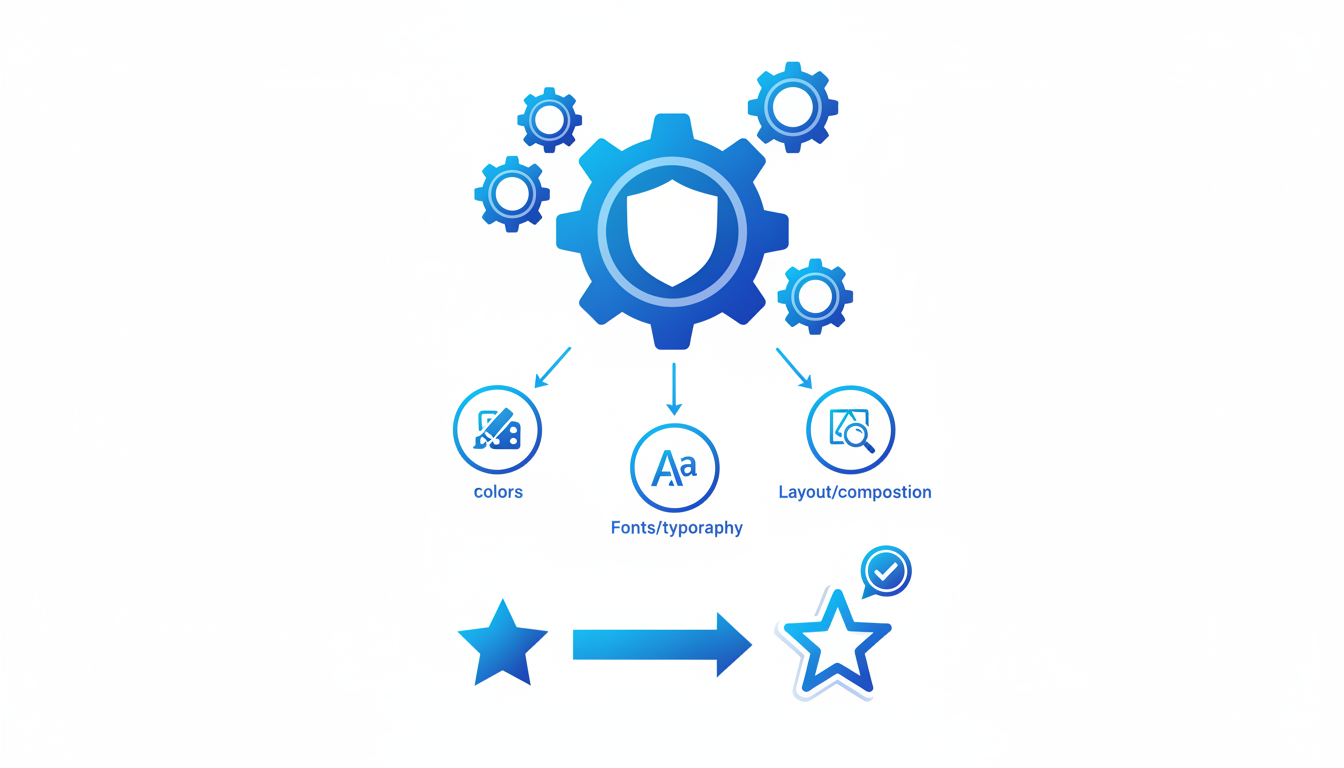
Focus on Colors, Typography, and Layout
Start with the basics: colors, typography, and layout. These elements define the personality of your logo and should align with your brand's identity.
Colors: Use the colors to evoke the right emotions and associations. Quicklogo allows you to effortlessly adjust the color palette to match your brand's style. Ensure your choices resonate with your overall brand ethos and are consistent with any existing brand guidelines.
Typography: Choose fonts that reflect your business’s tone — whether that’s modern and sleek or classic and stately. Quicklogo provides various font options to fit your message. Remember, readability is key, so avoid overly complex fonts that may detract from clarity.
Layout: Consider the arrangement of text and icons. A well-balanced layout should be aesthetically pleasing and ensure the logo is impactful both in print and digital formats. Test different configurations within Quicklogo until you find a layout that feels balanced and appropriate for various uses.
Balancing Brand Guidelines with Creative Freedom
While Quicklogo offers flexibility, it's important to balance creative freedom with existing brand guidelines. Your logo should fit seamlessly with your other brand elements. Ensure consistency — this might mean adhering to predetermined colors or specific font styles if you have them.
“Customization is not just about change; it’s about refining identity” — a reminder to prioritize brand cohesion.
Utilize Quicklogo's Customization Features
Quicklogo is designed for intuitive customization. You’ll find that its interface allows real-time adjustments, making it easy to see changes instantly. This feature helps avoid the typical back-and-forth found in traditional design processes, saving you time and effort.
By focusing on these core areas, Quicklogo enables you to craft a distinctive logo, ready to represent your brand in any arena.
Step 7: Download and Organize Files for Real-World Use
Once you've settled on your logo direction with Quicklogo, it’s time to download and organize your assets for seamless deployment. Here's how to manage this crucial step effectively.
Understanding File Formats
Firstly, it's essential to choose the right file formats for your logo. Quicklogo is expected to provide various file formats, but specifics are not confirmed in the published terms.
Organizing Your Files
Once downloaded, consider creating a well-structured folder system:
- Web: Store web-optimized files (SVG, PNG) here, ready for website integration.
- Social Media: Keep appropriately sized logos here, tailored for different platforms like Instagram, LinkedIn, and Twitter.
- Print: Reserve this for high-resolution formats like PDF and large PNGs, ensuring quality prints for materials such as business cards and brochures.
By compartmentalizing these files, you streamline the process whenever a different format is required for specific branding needs.
Legal Assurance: Ownership and IP
It's crucial to understand your ownership rights. Quicklogo guarantees that users retain full ownership of their generated logos. This ensures that you can deploy your brand assets without concerns over intellectual property conflicts. Before widespread usage, it's wise to keep documentation or confirmations regarding your ownership rights organized alongside your logo files.
Takeaway: Proper organization and understanding of file types not only make deployment smoother but protect your brand’s integrity by ensuring legal ownership and high-quality displays across all media.
With these steps, your newly crafted logo can immediately enhance your web presence, social media aesthetics, and print materials. By downloading and organizing thoughtfully, you're setting up a robust foundation for your brand's visual identity.
Step 8: Launch Checklist (Website, Socials, Print)
Launching your new logo is an exciting milestone, and ensuring it’s consistent across all channels is crucial for brand recognition. Here's a comprehensive checklist to guide you through the process, ensuring uniformity across digital and print applications.
1. Optimize for Digital Use
Begin by preparing your logo for online platforms. Given that more than 70% of SMBs rely on digital branding, ensuring your logo looks great online is essential.
Website Integration: Upload your logo to your website as a favicon and in the header for optimal visibility. Ensure it scales well, maintaining clarity on all devices by testing responsiveness on mobile and desktop platforms.
Social Media Profiles: Use your logo as your profile picture on platforms like Facebook, Instagram, LinkedIn, and Twitter. Each platform has different size requirements, so use Quicklogo's multi-format files to ensure clarity.
Email Signature: Enhance professionalism with a branded email signature. Place the logo beside your contact details, reinforcing brand identity in every correspondence.
2. Prepare for Print Use
Despite the digital shift, having print-ready versions of your logo is vital, especially for physical marketing materials.
Business Cards: Make sure your logo is clear and readable on small scales. Verify colors print true to your brand palette by testing with a sample run.
Letterheads and Invoices: Incorporate your logo into official documents. This not only boosts professionalism but also ensures brand consistency in every communication.
Marketing Materials: Flyers, brochures, and posters should all feature your logo prominently. Confirm that the logo maintains its visual integrity when printed in both color and black-and-white.
3. Align Brand Touchpoints
With AI logo generators like Quicklogo being utilized by over 60% of startups, it's crucial to maintain a consistent brand experience across all interactions.
Consistency: Ensure your logo and its color palette remain consistent across all touchpoints, providing a unified and professional brand image.
Update Old Materials: If you’re rebranding, update previously printed materials and digital assets to ensure consistency.
Review Usage Rights: As Quicklogo guarantees ownership of generated logos, confirm your logo's usage aligns with any contractual agreements, particularly with third parties.
Implementing this checklist not only enhances brand recognition but also ensures your logo accurately represents your brand in every form. For more on fast logo applications, check out our how to launch a logo today using Quicklogo.
FAQs + Troubleshooting
When using Quicklogo to generate logos online, a few questions and concerns might arise. Let's address some common FAQs to ensure a smooth experience with this powerful AI logo generator.
File Formats and Customization
What file formats does Quicklogo offer?
Quicklogo provides logos in multiple file formats, including PNG, SVG, and JPEG. These formats ensure that your logo is versatile and usable across various platforms and media, from digital screens to print materials.
Can I customize the logos Quicklogo generates?
Absolutely! Quicklogo allows you to edit and customize your chosen logo. You can adjust colors, typography, and layout elements to better fit your brand identity. This functionality ensures that the final product aligns with your vision without requiring extensive design skills.
Ownership and Rights
Do I own the rights to my generated logo?
Yes, you own the rights to any logos created using Quicklogo. The service’s terms clearly state that users retain ownership, so you can confidently use your logo for commercial purposes.
Key Takeaway: Quicklogo’s user-friendly design ensures you have both customizable options and full ownership of your logo, essential for brand identity integrity.
Refining Logo Generation
How can I improve the quality of logos generated by Quicklogo?
Writing a clear and detailed business description is crucial. Utilize a formula like: "Describe your business (industry + style) + any specific elements or feelings you want conveyed." For instance, "a modern, innovative tech startup needing a sleek and minimalistic logo that conveys forward-thinking."
What if the initial results don't match my vision?
It's normal for the first round not to be perfect. Use Quicklogo's iteration capability: refine your description and regenerate until you find a suitable direction.
Troubleshooting Common Issues
Why do I have multiple good options but can’t decide?
Use a simple scoring rubric. Evaluate logos based on:
- Clarity: Is it easily understandable at a glance?
- Distinctiveness: Does it stand out from competitors?
- Scalability: Will it work well in different sizes?
- Brand fit: Does it align with your core values and market?
Quicklogo vs. Other Tools
| Feature | Quicklogo | Other Tools |
|---|---|---|
| Customization | Full editing options available | Varies; often limited |
| Ownership | User retains full rights | Rights can vary |
| Speed | Generates multiple logos in seconds | May take longer |
| File Format Variety | Provides PNG, SVG, JPEG | Limited formats |
| Pricing Model | Credit-based; flexible for your needs | Subscriptions common |
By following these insights and leveraging the capabilities of Quicklogo, you can generate, customize, and utilize a professional logo efficiently, making it a seamless part of your branding workflow. For more tips on optimizing your logo design process, explore our step-by-step guide.
Frequently Asked Questions
How do I ensure my logo looks unique with an AI generator?
Use a detailed and specific business description when generating your logo.
What formats does Quicklogo provide for logos?
Quicklogo offers multiple formats such as PNG, SVG, and PDF for diverse use.
Who owns the rights to the AI-generated logos?
According to Quicklogo’s terms, users retain ownership of their generated logos.
Can I edit my logo after downloading it?
Yes, you can make adjustments within Quicklogo before downloading final files.
How can I optimize my logo for social media?
Ensure the format and resolution fit the platform's requirements and maintain brand consistency.
Final Thoughts
Using Quicklogo to create a professional and unique logo is both efficient and straightforward. Here's a quick recap of the process:
- Strong Description: Start with a clear and concise business description to guide the AI.
- Generate Options: Let Quicklogo produce multiple logo variations tailored to your input.
- Shortlist: Choose the most suitable options from the generated designs.
- Customize: Refine the chosen logo to perfectly fit your brand’s identity.
- Download: Easily download your logo in multiple formats for versatile use.
- Launch: Deploy your new logo with confidence across all channels.
Quicklogo’s AI-powered platform is designed to meet the fast-paced demands of modern branding, making it an ideal choice for entrepreneurs and small businesses. Ready to create your logo? Try Quicklogo by visiting Quicklogo.
For more detailed workflows and guidance on launching your brand, explore our additional resources.
Back to all posts