

How to Compare AI Logo Generators with a Feature Checklist
Discover a criteria-based framework to assess AI logo generators effectively. This guide provides a checklist and scoring system for informed decision-making.
Quicklogo Team
How to Compare AI Logo Generators with a Feature Checklist
Most AI logo generator comparisons fail because they list tools instead of testing them. Here’s a game-changer: a feature checklist and a 15-minute test that makes picking the best AI logo generator obvious. When faced with a sea of tools, from Designs.ai to Canva Logo Maker, how do you ensure you're choosing the right one without succumbing to decision fatigue or buyer’s remorse? This post walks you through a reliable evaluation system using Quicklogo as a benchmark for excellence. We’ll equip you with a printable checklist covering speed, customization, file formats, and ownership rights, and show you how to execute a short but thorough test drive. Imagine making a confident choice in under an hour—without relying on vague reviews. Dive in to learn how to master this process and avoid pitfalls so the next time you need a standout logo, you know exactly where to start.
Introduction: The Challenge of Choosing AI Logo Generators
Navigating the crowded world of AI logo generators can feel overwhelming, especially with so many tools offering similar promises. As a founder, marketer, or solopreneur, you're likely seeking a straightforward solution to create a professional logo quickly. Yet, the variety of options can leave you worried about making the right choice.
The challenge begins with understanding what each tool truly offers. Many AI logo makers boast speed and affordability, enabling professional designs in just minutes—an attractive alternative to traditional designers. According to a Forrester study, businesses using these tools can achieve up to 75% in cost savings. However, the devil is often in the details. Export issues, limited customization, and unclear ownership terms can turn a promising solution into a frustrating experience.
When you compare AI logo generators, it’s crucial to focus on specific features that align with your needs. Key considerations include the ability to customize your logo, the formats available for export, and the terms of ownership. For instance, Quicklogo, a speedy AI-powered solution, excels by providing multiple options and ensuring users own their logos—a significant advantage if you plan to use your logo commercially.
Yet, many users report hitting frustrating paywalls or discovering too late that essential features are missing, like the capability to obtain the right file formats for web and print. That's why it's essential to establish a clear, criteria-led evaluation system before committing to any tool. This approach will not only save you time but also help you avoid buyer's remorse. By focusing on a feature checklist, scoring rubric, and a quick test drive, you can confidently choose the right AI logo generator tailored to your branding needs.
Why AI Logo Generators Are Disruptive
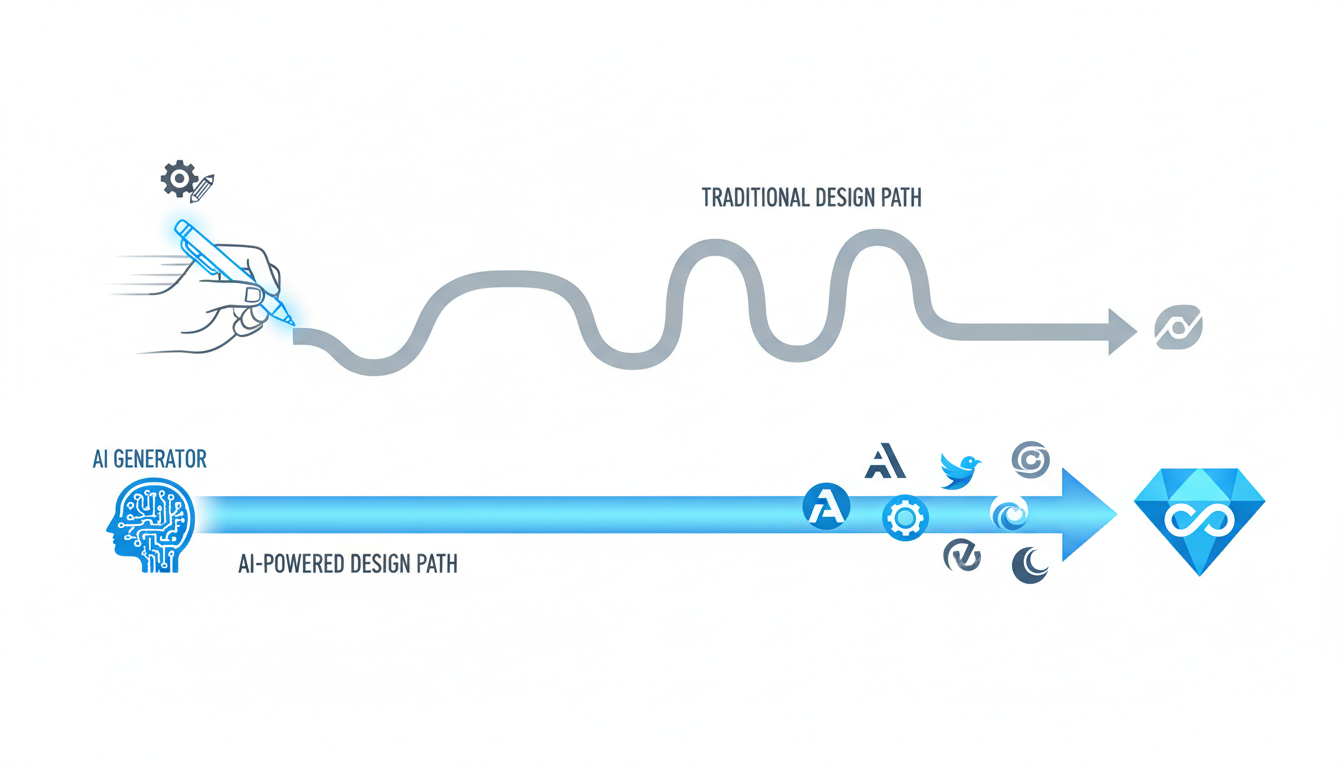
In today’s fast-paced digital world, the demand for quick and efficient branding solutions is higher than ever. Enter AI logo generators, a technology that has drastically changed the landscape of logo design with its speed and affordability.
Imagine cutting your logo design costs by 75%. According to a Forrester study, that’s exactly what 75% of businesses using AI-powered logo generators have achieved. Traditional design services often require extensive discussions, revisions, and a significant financial commitment. In contrast, AI logo generators deliver professional results in mere minutes, allowing you to invest those savings elsewhere.
Key Insight: The speed and cost-effectiveness of AI logo generators have made them the go-to choice for businesses of all sizes.
One of the standout features of these tools is their incredible speed. Where a traditional designer might take days or weeks to finalize a logo, an AI logo generator can provide multiple options almost instantly. For a solopreneur preparing for a product launch or a small business owner looking to refresh their brand, this rapid turnaround is invaluable.
The affordability factor is equally compelling. With traditional design costs often being prohibitive, AI logo tools offer a budget-friendly alternative without compromising on quality. Quicklogo, for instance, allows you to generate and customize logos swiftly, ensuring you have a professional-grade design ready in seconds.
Takeaway: Speed and affordability aren't just perks—they're transformative advantages that empower businesses to iterate quickly and economically.
Moreover, the ease of use associated with AI logo generators is a game-changer for those not well-versed in design. These platforms cater to users with varying levels of branding experience, making them accessible to beginners and a time-saver for experts.
In conclusion, the disruption caused by AI logo generators in the design industry isn’t just about cost or time savings; it’s about democratizing design. Tools like Quicklogo embody this by offering a rich set of features: from customization to ownership rights and multi-format exports, all within a credit-based pricing model that adapts to your needs.
Explore how Quicklogo can transform your branding process—generate a logo online with Quicklogo.
BLUF: The Essential AI Logo Generator Feature Checklist
When it comes to selecting an AI logo generator, having a solid checklist ensures you won’t regret your choice. Here’s how you can confidently compare AI logo generators using critical key categories: speed, options, customization, formats, ownership, and storage.
Speed: How quickly can the tool generate a logo? For urgent needs, tools like Quicklogo shine by creating logos in seconds. Test the speed by timing the generation process and documenting the results.
Options: Evaluate the variety and quality of logo designs provided. More options allow for better customization to your brand’s identity. Quicklogo offers multiple professional variations, so ensure your chosen tool matches this benchmark for diversity.
Customization: Examine how much you can alter the logos post-generation. Can you change colors, fonts, or layouts? This flexibility is crucial, and Quicklogo’s editing features enable this adaptability, setting a high standard.
Formats: The availability of file formats is critical. Look for tools that provide multiple formats like PNG, SVG, and EPS, which are essential for web and print. Quicklogo ensures a comprehensive range that supports varied branding needs.
Ownership: Understand the terms of use regarding ownership and commercial rights. Ensure the logos you create are solely yours to use. Quicklogo explicitly states that users retain ownership, offering peace of mind.
Storage: Check if the tool offers account-based storage for your logo versions. Being able to revisit and manage your logos is invaluable—a service Quicklogo readily provides.
To bring this checklist to life, apply a simple scoring rubric. Assign each category a weight based on its importance to you, and rate the tools you test. For instance, if speed and ownership are paramount, they might weigh more heavily in your final score. Implement this scoring model to transform qualitative impressions into quantitative analysis, helping identify the best fit for your needs.
Key Takeaway: “Make informed decisions by testing each tool using specific criteria—speed, variety, customization, formats, ownership, and storage—for comprehensive, regret-free comparisons.”
Armed with this checklist, you can now confidently approach any AI logo generator on the market, ensuring it lives up to expectations and truly supports your brand ambitions. Remember, Quicklogo serves as a reliable benchmark, offering an exemplary mix of these features.
Step 1: Define Your Use Case and Constraints
Defining your use case is crucial when selecting an AI logo generator. Begin by identifying your project’s specific needs. Consider both your deadlines and the channels where your logo will be showcased. Are you launching a website next week, or do you need branding for an upcoming pitch deck? Tight timelines might prioritize tools like Quicklogo, known for its rapid AI logo generation capabilities.
Next, pinpoint the channels where your logo will appear. Will it be used across digital platforms, print media, or both? This helps in selecting a tool that delivers logos in multiple formats, an essential feature offered by Quicklogo with its multi-format file delivery.
Your budget model is another key constraint. Determine whether a subscription or a credit-based system aligns better with your needs. Quicklogo’s credit-based payment system is ideal for those who need flexibility without a recurring subscription, allowing you to pay as you generate and edit. This structure helps manage costs effectively, especially for solopreneurs or startups.
Key Takeaway: Align your tool choice with your constraints, such as timelines, usage channels, and budget, to ensure a seamless selection process.
By understanding your project’s specific needs and constraints, the process of comparing AI logo generators becomes more focused and efficient. For instance, Quicklogo excels in fast, professional logo generation and offers customization options, making it a solid choice for those under tight deadlines.
For more on choosing the right file formats for your logo, check our guide on logo file formats, ensuring you get the most utility from your chosen tool. Defining these parameters early prevents wasted time and resources, leading you closer to the perfect logo solution tailored for your brand's launch or rebranding needs.
Step 2: Choose 3–5 Tools to Test
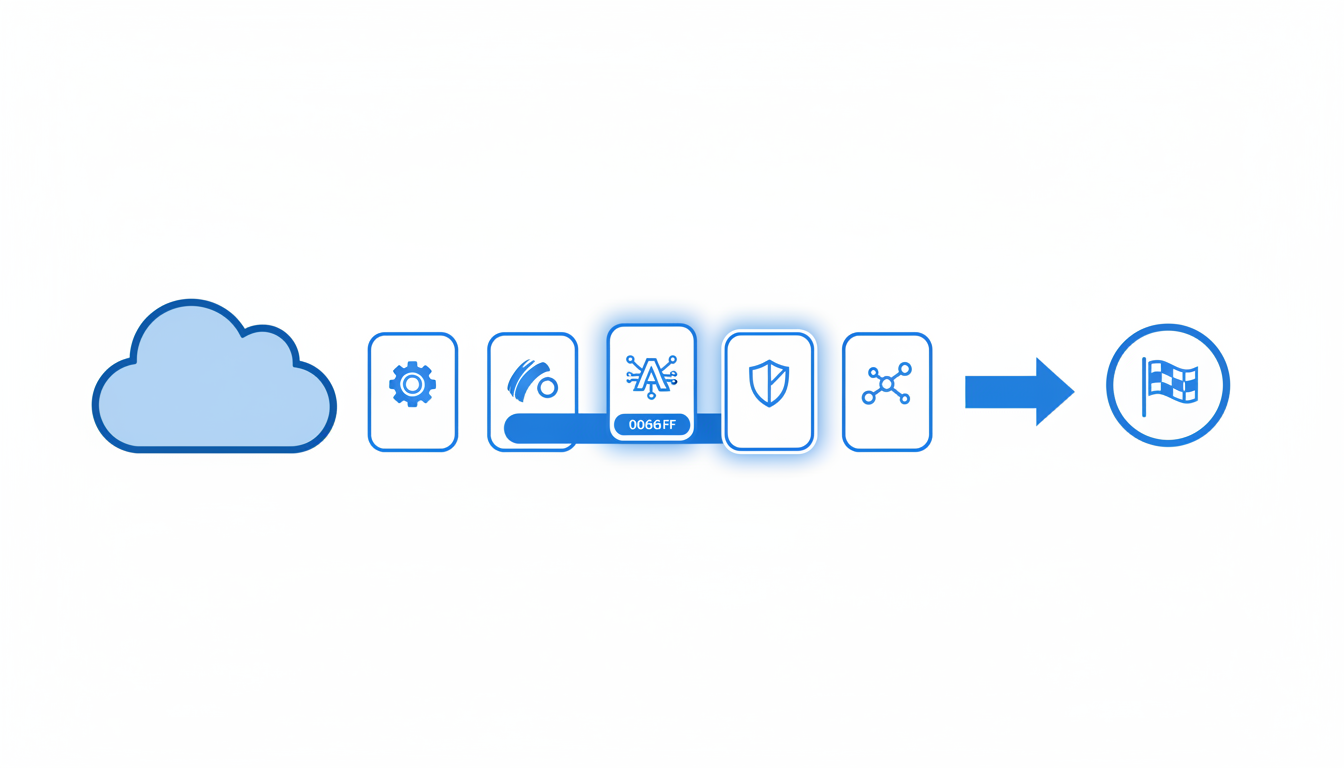
Choosing the right AI logo generator is essential for creating a professional logo without regret. To streamline this process, start by narrowing down your options to 3–5 tools. It's like crafting the perfect playlist—too few and you might miss a gem, too many and you'll get overwhelmed. So, let’s cut through the noise and focus on what matters.
Firstly, use the 2025 leading tools list as a starting point: Looka, Designs.ai, BrandMark Pro, Logomaster AI, Canva, Zoviz, DesignEvo AI, and LogoAI. These tools have consistently proved themselves in terms of speed, affordability, and quality. Remember, you're not just looking for the fanciest tool—you’re looking for the right fit for your business needs.
Quick Tip: Consider your specific requirements, like how quickly you need a logo, if you require extensive customization, or specific file formats for printing or web use.
Begin your process by shortlisting based on criteria that matter most to you. Here’s a quick breakdown:
Speed: If you’re racing against time, focus on tools that promise quick turnarounds. Quicklogo, for example, prides itself on generating multiple professional options in seconds. Consider this if you need a fast, efficient solution.
Customization Capabilities: Do you want to tweak colors or adjust layouts? Ensure your shortlisted tools provide robust customization features. Quicklogo offers post-generation customization, so you can refine your logo to perfection.
Ownership and Rights: Verify ownership terms for each tool. Quicklogo, for example, offers clear ownership rights, ensuring you retain control of your logo.
File Formats: Think about where your logo will appear. Whether it’s for web graphics or print, make sure the tool can export various formats like PNG, SVG, and EPS.
Pricing Model: Align the pricing model with your budget. While Quicklogo operates on a credit-based system, tools like Designs.ai start at $19/month, offering different routes to fit your financial plan.
Before diving into any trial, it's helpful to document why you’re considering each tool. This helps keep your decisions clear and criteria-driven. Remember, each tool aligns differently with specific needs, and like shopping for the perfect outfit, you want something that fits you—without any compromises.
For a fair comparison, register and take each tool for a brief 15-minute test drive, focusing on their speed, ease of use, and output quality. Capture screenshots, explore customization options, and check Terms of Service for usage rights.
With the 2025 AI landscape becoming increasingly robust, having a structured checklist (like the one we provide for Quicklogo) ensures you don’t miss critical features, preventing purchase regret and saving valuable time. Happy testing!
Step 3: Run a Controlled Test Prompt
Creating a standardized test for AI logo generators is essential to ensure consistent, reliable results. Think of it as setting a baseline—a clear, repeatable process allowing you to judge each tool fairly. Here's how you can effectively design and execute this process.
Crafting Your Test Prompt
Start by preparing a simple, universal description of your brand or business. This could include:
- A short business name
- A brief tagline or motto
- Key elements to include, like colors or icons
For example, "QuickTech: Innovative solutions in AI" and any color preferences you might have. This prompt should remain unchanged across all tools to maintain fairness.
Document What Matters
When running your test, it’s crucial to document every aspect meticulously. Here's what to capture:
- Screenshots: Take snapshots of the initial user interface, the process, and the range of logos offered. This visual documentation helps in comparing design quality and interface usability.
- Output Quality: Pay attention to the logo variations—variety, creativity, and adherence to your specified details.
- Terms of Service (ToS): Review the ToS regarding ownership rights, customization capabilities, and export formats. It’s wise to capture key excerpts or download a copy.
Testing for Speed
Evaluate how quickly each tool can generate multiple logos. Time this process from submitting your prompt to the delivery of initial options. Quicklogo, for instance, promises logo generation in seconds, making it ideal for urgent needs.
Analyzing Outputs
Assess the quality and customization options available for each logo:
- Are the designs professional and diverse?
- Can you easily tweak colors, fonts, or layouts?
- Does the tool support various formats (PNG, SVG, EPS) for different uses?
Use a simple scoring system to rate each tool based on speed, ease of customization, and format variety. Quicklogo's robust features in these areas set a high benchmark.
Taking Charge of Ownership
Understanding ownership rights is crucial. Quicklogo, for example, allows you to retain rights over your generated logos, an essential consideration for commercial use.
Expert Insight: "Many businesses achieve their branding goals efficiently by prioritizing tools offering quick generation and comprehensive rights," states the Forrester study's 75% savings insight.
By adhering to these guidelines, you ensure a structured, insightful comparison across all tested tools, helping you make an informed choice backed by hard data and clear benchmarks.
Step 4: Evaluate Using the Feature Checklist
Evaluating AI logo generators involves more than just reading reviews. By using a detailed feature checklist, you can accurately compare tools to find the best fit for your needs. Here's how to use the checklist to assess each category and decide with confidence.
Speed of Generation
Key Insight: Speed is crucial for launching on tight timelines.
- What to Look For: A fast tool should generate multiple logo options in seconds. Quicklogo excels here, offering swift logo creation that caters to urgent needs.
- Red Flags: Delays in rendering or long loading times can indicate inefficient algorithms or server issues.
Quality and Quantity of Options
Key Insight: Quantity doesn't always mean quality, but having multiple options is valuable for choice.
- What to Look For: Tools like Quicklogo provide diverse, professional-quality logos tailored to your brand description, allowing for thorough exploration.
- Red Flags: Low-quality, generic logos or overly similar options suggest a lack of design sophistication.
Customization Options
Key Insight: Customization is key to aligning logos with your brand identity.
- What to Look For: The ability to tweak colors, styles, and elements post-generation. Quicklogo offers comprehensive customization features, empowering you to refine designs to match brand aesthetics.
- Red Flags: Restricted editing capabilities limit your creative control. A lack of customization can result in a logo too similar to those of other brands.
File Format Availability
Key Insight: Access to a variety of formats ensures logos are versatile for different platforms and media.
- What to Look For: Formats such as PNG, SVG, and EPS are essential for both print and digital use. Quicklogo delivers multiple file formats, facilitating seamless integration across brand touchpoints.
- Red Flags: Offering only low-resolution or single-format outputs can restrict the logo's usability.
Ownership and Commercial Rights
Key Insight: Ownership clarity prevents future legal complications.
- What to Look For: Full ownership rights are vital for commercial use. Quicklogo’s terms explicitly grant users ownership of generated logos, ensuring you have control over your brand assets.
- Red Flags: Vague or restrictive ownership terms that limit commercial use or complicate transfer of rights.
Account Management and Storage
Key Insight: Account features should enhance your experience, not complicate it.
- What to Look For: An account system that includes easy access to past designs and storage options is ideal. With Quicklogo, you can manage and revisit saved logos, making ongoing branding efforts efficient.
- Red Flags: If a tool lacks a storage feature or complicates access to previous work, it may disrupt your workflow.
Pricing Model Fit
Key Insight: A transparent and flexible pricing model can save costs and avoid unexpected fees.
- What to Look For: Flexible credit-based systems, like Quicklogo's, which allow for cost-effective use without long-term commitments.
- Red Flags: Hidden fees, unclear pricing structures, or mandatory subscriptions can lead to unnecessary expenses.
Here's a structured comparison table for clarity:
| Category | Quicklogo Features | What to Look For | Red Flags |
|---|---|---|---|
| Speed | Fast generation in seconds | Quick rendering | Slow processing, delays |
| Options Quality/Quantity | Diverse, professional options | Variety and quality | Generic, similar outputs |
| Customization | Comprehensive editing tools | Ease of personalization | Limited editing capabilities |
| File Formats | PNG, SVG, EPS | Multiple formats | Single/low-res formats |
| Ownership | Full ownership rights | Clear commercial rights | Restrictive or vague ownership terms |
| Account/Storage | Account with storage for iterations | Easy access to saved work | Lack of storage or difficult access |
| Pricing | Credit-based, no subscription | Cost transparency and flexibility | Hidden fees, mandatory subscriptions |
Expert Takeaway: "Most AI logo generator comparisons fail because they list tools instead of testing them. Evaluating with a feature checklist and conducting a 15-minute test can make the winner obvious."
By following this comprehensive approach, you can confidently navigate the crowded market of AI logo generators, relying on solid criteria rather than unclear reviews to guide your choice.
Step 5: Make a Decision Using Weighted Scores
When comparing AI logo generators, a structured approach ensures you make informed and regret-free choices. The key is to apply a weighted scoring system combined with pass/fail gates for critical features such as ownership rights and file formats. This way, you can objectively evaluate each tool against your specific needs.
Start with a Weighted Scoring System
To get started, assign weights to different categories based on what matters most to your business. For instance, speed might be crucial if you're on a tight launch deadline, while customization options could be paramount for a more curated brand look.
Consider the following categories:
- Speed of Generation: How quickly can the tool produce results?
- Variety and Quality of Options: Does it offer diverse and professional designs?
- Customization Capabilities: How extensively can you edit the logo?
- File Format Delivery: Are exports available in formats like PNG, SVG, and EPS?
- Ownership and Commercial Rights: Do you own the logo outright?
- Storage and Account Features: Can you save and retrieve your logos easily?
- Pricing Model: Does it fit within your budget?
Allocate a percentage to each category reflecting its importance. For example:
- Speed: 20%
- Quality: 25%
- Customization: 20%
- File Formats: 15%
- Ownership: 10%
- Storage: 5%
- Pricing: 5%
Utilize a Pass/Fail Gate System
Pass/Fail gates are non-negotiable criteria. For AI logo generators, these often include:
- Ownership Rights: Ensure the tool provides clear commercial ownership. Quicklogo, for example, assures users they own their generated logos.
- File Format Availability: The ability to export in multiple formats like PNG, SVG, or EPS is essential for versatility across platforms.
If a tool fails any of these gates, it might not be worth your investment, regardless of how well it performs in other areas.
Create a Decision Matrix
Organize your findings in a decision matrix for clarity:
| Tool Name | Speed (20%) | Quality (25%) | Customization (20%) | Formats (15%) | Ownership (10%) | Storage (5%) | Pricing (5%) | Total Score |
|---|---|---|---|---|---|---|---|---|
| Quicklogo | 18 | 22 | 19 | 14 | 10 | 4 | 5 | 92 |
| Designs.ai | 17 | 20 | 18 | 13 | 10 | 5 | 2 | 85 |
| Logomaster AI | 16 | 21 | 17 | 12 | 8 | 3 | 4 | 81 |
Expert Tip: Always double-check each tool's terms of service for ownership rights and format delivery before finalizing your decision.
By using this weighted approach, you ensure a transparent and data-backed decision process. Remember, the best choice depends not only on high scores but also on meeting all your critical requirements. Run through this matrix, and you'll have a clear winner based on your unique priorities.
Benchmark Example: Quicklogo in Action
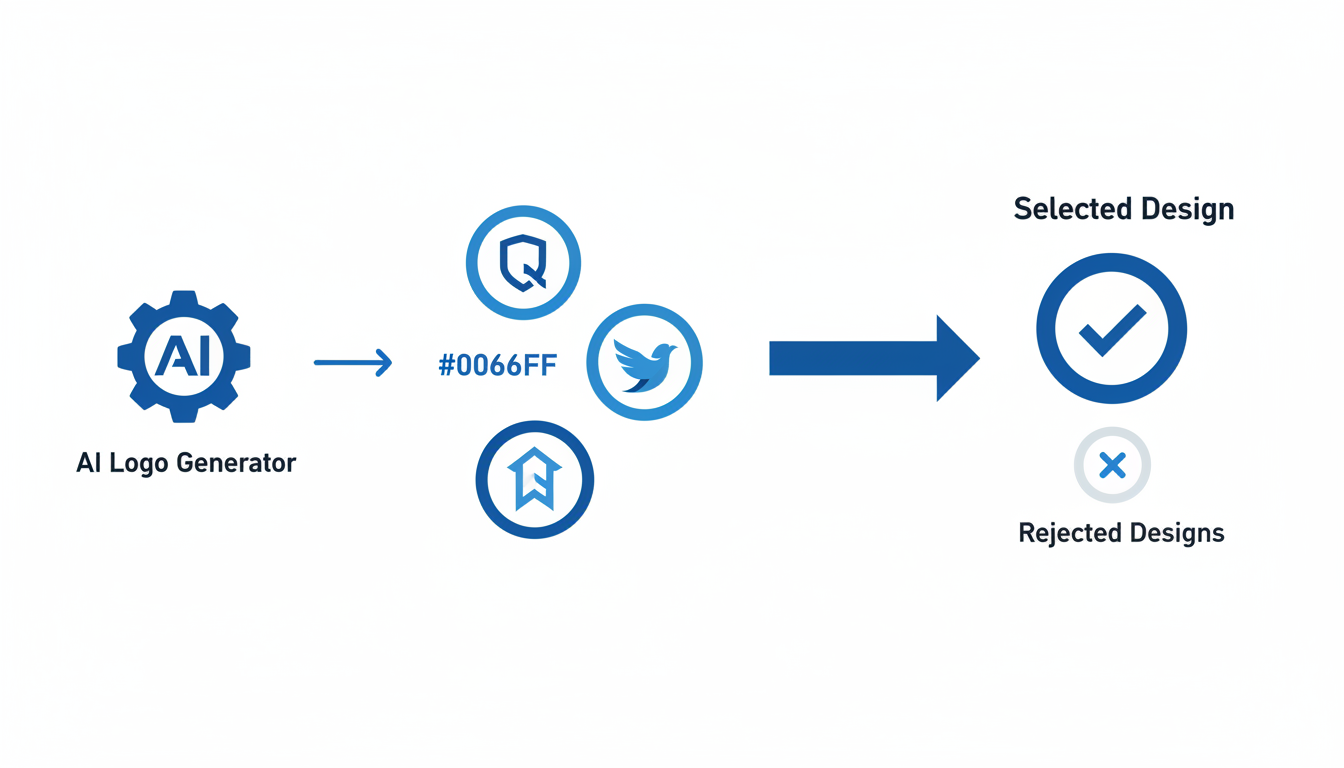
Navigating the world of AI logo generators can be daunting, but using Quicklogo as a benchmark provides a clear, consistent framework for evaluation. Let’s dive into how Quicklogo stands up against your checklist categories, ensuring you're equipped to make informed decisions.
Speed and Efficiency
Quicklogo is engineered for speed, offering a seamless experience from description to logo generation in mere seconds. This rapid approach allows you to iterate quickly, meeting urgent branding needs without compromising on quality. The emphasis on speed immediately positions Quicklogo as an essential tool for projects with tight deadlines.
"Create a logo in seconds with AI" underscores Quicklogo’s promise of efficiency, making it a reliable choice for fast-paced environments.
Variety and Customization
Quicklogo doesn’t just stop at speed; it excels in generating multiple professional options. This feature allows you to explore diverse design directions. Once you select a base design, Quicklogo’s customization tools let you tweak elements like color and style to align perfectly with your brand identity, providing flexibility akin to working directly with a designer.
Multi-Format Delivery
A real standout feature is Quicklogo’s ability to deliver logos in multiple file formats, ensuring you can use your new design across various platforms effortlessly, from digital spaces to print materials. This capability addresses common user needs and reduces the frustration associated with format compatibility issues.
Ownership Rights and Storage
Ownership clarity is crucial, and Quicklogo ensures you retain full rights over your generated logos. This transparency reassures users against potential IP conflicts. Additionally, Quicklogo’s account system allows you to store and revisit your logo designs, facilitating ongoing edits or re-downloads whenever necessary.
Pricing Model
Operating on a credit-based system, Quicklogo eliminates subscription pressure, offering flexibility tailored to your usage rather than a fixed monthly fee. This model suits both one-time users and those requiring recurring design updates.
In summary, Quicklogo's robust array of features supports a wide range of branding endeavors efficiently, making it a model example for evaluating other AI logo generators. For a streamlined logo creation process that emphasizes speed, flexibility, and ownership, Quicklogo offers a comprehensive solution.
Decision Shortcuts for Different Buyer Types
Navigating the sea of AI logo generators can be daunting, especially when time is of the essence. Here’s how you can tailor your approach based on your branding needs, whether it’s a swift launch or a comprehensive brand overhaul.
Urgent Launches
Key Insight: Speed is critical. In this scenario, a quick decision is paramount. Focus on tools providing fast generation, like Quicklogo, which allows you to create a logo in seconds. Its AI-driven engine is perfect for producing multiple high-quality logo options swiftly, letting you pick and customize with ease.
Steps to Consider:
- Prioritize speed and ease of use. With Quicklogo’s streamlined interface, you can rapidly generate and select a logo without getting bogged down in complex design decisions.
- Verify the file formats offered. Ensure the tool supports diverse formats like PNG and SVG for instant deployment across web and print.
- Check for clear ownership rights so you're legally covered for commercial use. Quicklogo offers straightforward ownership terms.
If your launch is happening within days, dive right into Quicklogo’s process for creating a logo in minutes without a designer.
Brand Rebuilds
Key Insight: Depth of customization and long-term planning are your allies. For those redesigning a brand, the flexibility to iterate and refine is crucial.
Steps to Consider:
- Focus on tools offering extensive customization options. Quicklogo allows for adjustments in color, style, and layout, empowering you to tailor your branding to perfection.
- Evaluate the history and storage capabilities. Having easy access to previous iterations can be invaluable. Quicklogo supports storing multiple versions for future refinement.
- Analyze the pricing model to ensure it fits long-term branding needs. Quicklogo’s credit-based system provides cost-effective options suited for repeated use without escalating costs.
For ongoing projects, explore more in-depth customization strategies in our guide on how to design a logo without a designer.
Regardless of your current needs, investing time in a short trial, such as Quicklogo’s 15-minute test drive, can rapidly clarify which tools align best with your specific objectives.
Frequently Asked Questions
What is a scoring rubric for AI logo generators?
A scoring rubric assigns weights to features like speed, customization, and formats, helping objectively compare tools.
How can I test different AI logo tools consistently?
Create a controlled test prompt and document outputs using screenshots, evaluating each tool with a standard checklist.
What file formats should a logo generator provide?
Essential formats include PNG, SVG, and EPS for varied digital and print use cases.
Why is ownership of generated logos important?
Ownership ensures you have the rights for commercial use without legal complications.
How fast can AI generators create a logo?
Most AI logo generators can produce professional logos within seconds to minutes, depending on the tool and customization complexity.
Final Thoughts
In choosing an AI logo generator, using a criteria-based checklist will empower you to make confident decisions. Focus on three non-negotiable features: ownership and commercial use rights, access to the right file formats, and the ability to iterate and customize your designs. These elements ensure you won't face unexpected hurdles later.
For a practical next step, select three logo generation tools and run a controlled test. Use Quicklogo as your benchmark—it offers a seamless workflow for generating, selecting, customizing, and downloading logos while maintaining a history of your creations. You can explore Quicklogo here.
For more guidance, check out our posts on understanding file formats, ensuring commercial use rights, and effectively customizing your logo. With the right insights and tools, you can create a logo that truly represents your brand.
Back to all posts